
Key facts
Start here
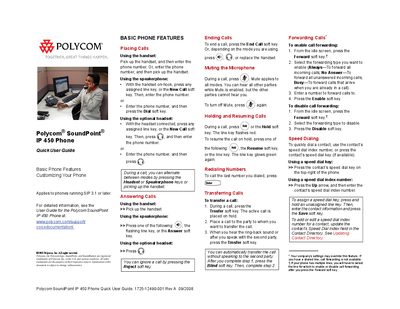
Polycom SoundPoint IP 450 Phone Quick User Guide
This Quick User Guide introduces the basic functions of the Polycom SoundPoint IP 450 phone, including placing, answering, and ending calls, as well as muting, holding, and transferring calls. It also explains how to customize settings such as ring tones, speaker volume, and Do Not Disturb.
Additional sections cover managing contacts, using speed dial, hosting conference calls, accessing voicemail, and configuring headset memory mode. The guide is intended for users of phones running SIP 3.1 or later.
All Polycom IP 450 documents by type
Day-to-day operation, settings and troubleshooting. Start here if the product is already set up.
The shortest path to a working setup, usually only a few pages.
Questions answered in these manuals
How do I mute the microphone?
During a call, press the mute key; a red light and an icon show that mute is active.
How can I enable Do Not Disturb (DND)?
Press the soft key to toggle DND; the screen flashes and the line appears engaged while calls are forwarded to voicemail.
How do I mute the microphone during a call?
Press the Mute soft key while on a call; the microphone is muted for all modes.
How can I enable Do Not Disturb?
Press the Do Not Disturb soft key and select Features > Do Not Disturb.