
User and admin guide for Polycom's wireless conference phone with setup, usage, troubleshooting, and technical specs.
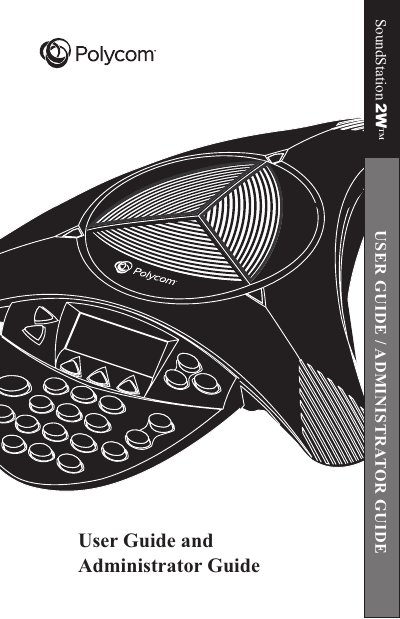
This guide provides step-by-step instructions for setting up, using, and administering the Polycom SoundStation2W™ wireless conference phone. It covers safety precautions, features like LED indicators and mobile phone mode, call operations, and administrative setup including passcodes and diagnostics. The guide also includes troubleshooting tips and warranty information.
The device supports wireless technology, voice encryption, and can be used with analog phone lines or terminal adapters. It offers up to 24 hours of talk time and is designed for team collaboration in rooms without phone lines.
| Talk Time | up to 24 hours |
|---|---|
| Wireless Technology | 2.4 GHz (WDCT), 1.8 GHz (DECT), 1.9 GHz (DECT 6.0) |
| Voice Encryption | Supported |
Connect the base station to power and an analog phone line, install the battery, and wait for the phone to register to the base station. Charge the console for a full cycle before first use.
The green LED indicates that your call is in progress.
Press the Mute button to toggle the microphone on or off during a conversation.