
SoundStation2 is a business conference phone suitable for small to medium-sized conference rooms and offices. It features clear audio technology and is suitable for installation in moist environments. When using this device, it is important to follow safety precautions, such as avoiding immersion in water and not using during thunderstorms.
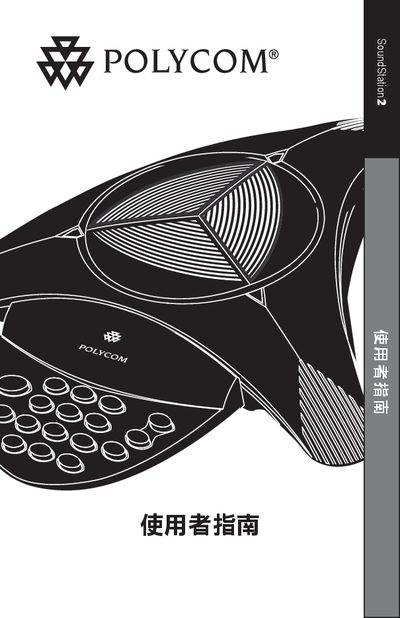
The SoundStation2 is a business‑grade conference phone designed for small to medium meeting rooms and offices. It offers clear audio and supports basic call functions as well as multi‑party conference features.
This user manual covers safety precautions, required wiring standards, a parts checklist, step‑by‑step installation, description of LEDs, buttons and volume controls, how to make and receive calls, conference call usage, troubleshooting tips, and technical specifications such as FCC registration and REN limits. This manual is written in Chinese.
| FCC registration number | US: 2HWTF09BSOUNDS2 |
|---|---|
| Equivalent Ring Number (REN) | 0.9B |
| Facility Interface Code (FIC) | 02LS2 |
| Service Order Code (SOC) | 6.0Y |
| USOC plug type | RJ11C |
Press the volume button when the SoundStation2 is ready or on‑hook to increase or decrease the ringtone volume.
The total Equivalent Ring Number (REN) for devices on the line should not exceed 5.