
This document provides operating instructions for the Panasonic KX-MC6020 Color Laser Multi-Function Printer, including compatibility with Caller ID, language settings, cautions, trademarks, and copyright information.
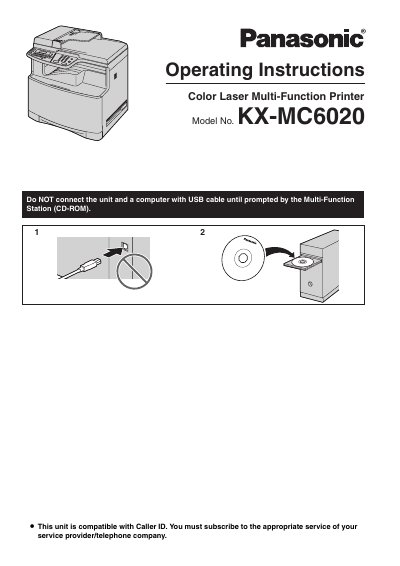
This User Manual provides operating instructions for the Panasonic KX-MC6020 Color Laser Multi-Function Printer. It covers introduction and installation, preparation, and initial setup of the device.
The manual also includes sections on printing, scanning, copying, faxing, Caller ID, distinctive ring, programmable features, useful information, help, paper jams, cleaning, and general information including specifications.
| Unit weight | Approximately 30 kg (67 Ib) |
|---|---|
| Starter toner cartridge yield | About 1,000 letter-size pages with 5% coverage |
| Replacement toner cartridge yield | About 2,000 sheets (color) or 2,500 sheets (black) with 5% coverage |
| High capacity toner cartridge yield | About 4,000 letter-size pages with 5% coverage |
The model number is KX-MC6020.
English or Spanish can be selected, with English as the default.
Leave the power on for a minimum of 30 minutes after printing to extend drum cartridge life.
Approximately 30 kg (67 Ib).