
This document provides operating instructions for the multi-function printers KX-MB2010CX, KX-MB2010SX, KX-MB2025CX, KX-MB2030CX, KX-MB2030SX. It includes information on connecting the printer to a computer, using the supplied USB cable, compatibility with Caller ID, and location settings.
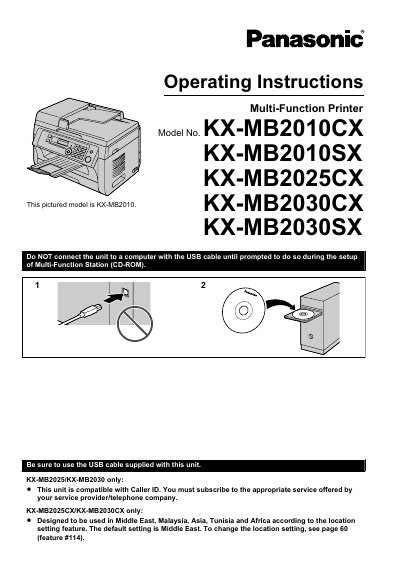
This manual provides complete operating instructions for the Panasonic KX-MB2010CX, KX-MB2010SX, KX-MB2025CX, KX-MB2030CX, and KX-MB2030SX multi-function printers. It covers installation of toner and drum cartridges, paper loading, connection setup, and initial programming such as date, time, and network configuration.
The guide details printer, scanner, and copier functions, along with fax features for the KX-MB2025 and KX-MB2030 models. It also explains programmable features, troubleshooting, paper jam clearance, cleaning procedures, and includes specifications and an index for reference.
The default location setting is Middle East.
Leave the power turned on for a minimum of 30 minutes after printing.
The printer uses a Class 1 laser product with a maximum output of 15 mW at a wavelength of 760–800 nm.
Yes, the unit can be used with an answering machine as described in section 6.9.