
This document is about the operating instructions of KX-MB2000 KX-MB2010 KX-MB2030 multi-function printer
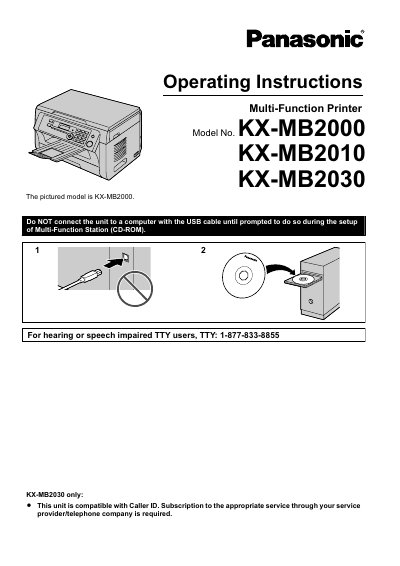
This manual provides operating instructions and safety guidelines for the Panasonic KX-MB2000, KX-MB2010, and KX-MB2030 Multi-Function Printers. It covers initial setup, accessories, and safety precautions regarding laser radiation, LED light, and the hot fuser unit.
The guide details core operations including printing, scanning, and copying, as well as fax and caller ID features specific to the KX-MB2030 model. It also includes instructions on routine maintenance, cleaning, troubleshooting, and resolving paper jams.
| LED radiation output | Max. 1 mW |
|---|---|
| LED wavelength (Red) | 630 nm typ. |
| LED wavelength (Green) | 520 nm typ. |
| LED wavelength (Blue) | 465 nm typ. |
Yes, the KX-MB2030 is compatible with Caller ID, but a subscription to the appropriate service through your service provider is required.
You should erase the private/confidential information stored in the memory before disposing of, transferring, or returning the product.
The power should be left turned ON for a minimum of 30 minutes after printing.
Do not connect the unit to a computer with the USB cable until prompted to do so during the setup of the Multi-Function Station (CD-ROM).