
Olympus D-575ZOOM / C-360ZOOM / X-350 Digital Camera User Manual

This manual provides instructions and tips for using Olympus digital cameras, including maximizing performance and extending camera lifespan.
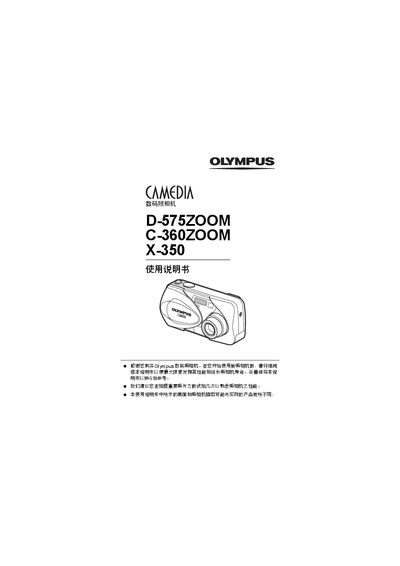

Olympus D-575ZOOM / C-360ZOOM / X-350 Digital Camera User Manual - cover page
Brand
Olympus
Category
Digital cameras
Document type
User Manual
Language
Chinese
Pages
164
File format
PDF
File size
7.9 MB
Published
23 March, 2012
Updated
29 September, 2023
MD5 checksum
7C3B328AE10568E441D7CBB6C9AAC5B7

About this manual

This manual explains how to safely set up and use the Olympus D-575ZOOM, C-360ZOOM, and X-350 digital cameras. It includes safety notices, warranty information, and basic handling guidelines.

The guide covers camera functions such as shooting modes (Panorama, 2‑in‑1, Night), playback, printing via PictBridge and DPOF, menu navigation, and troubleshooting steps. It also lists parts and specifications for reference. This manual is written in Chinese.

What's inside

  • Safety Information
  • Camera Functions
  • Basic Operation
  • Shooting Modes
  • Playback
  • Printing Options
  • Troubleshooting
  • Specifications
  • Parts List

Frequently asked questions

How can I print photos directly from the camera?

Use the PictBridge function to print images without a computer.

What shooting modes are available?

The camera supports Panorama mode and a 2‑in‑1 composite mode, among others.

How do I reset all camera settings?

Select the All Reset option to restore default settings.

Download PDF (7.9 MB)

More Olympus Manuals


View all Olympus manuals →