
This is a user manual for Olympus D-575ZOOM C-360ZOOM X-350 digital cameras.
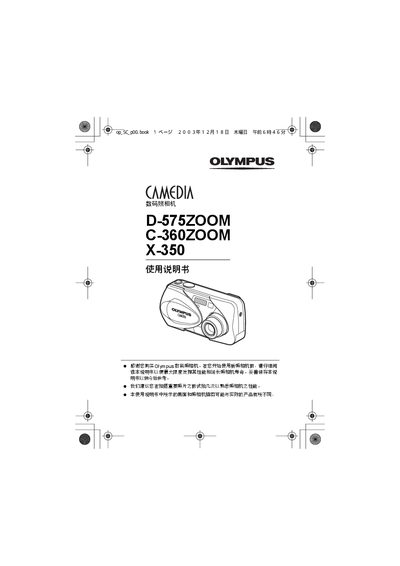
This manual explains how to operate the Olympus D-575ZOOM, C-360ZOOM, and X-350 digital cameras. It covers basic functions, shooting modes, playback, printing options, and maintenance procedures to help users get the most out of their cameras.
Key sections include basic operation, various shooting modes such as Digital Zoom, Panorama and 2‑in‑1, image playback, settings adjustments, DPOF and PictBridge printing, and a troubleshooting guide for common issues. This manual is written in Japanese.
| Digital Zoom | Supported |
|---|---|
| Panorama Mode | Supported |
| Black & White Mode | Supported |
Select the “ALL RESET” function to restore all settings to their factory defaults.
Use the PictBridge function to connect the camera to a compatible printer and print without a computer.
Choose the Panorama mode to capture wide‑angle images that are automatically stitched together.
Select the BLACK & WHITE setting to capture images in monochrome.