
This manual describes advanced techniques for shooting and playing back images, customizing functions or settings, and transferring recorded images to a computer.
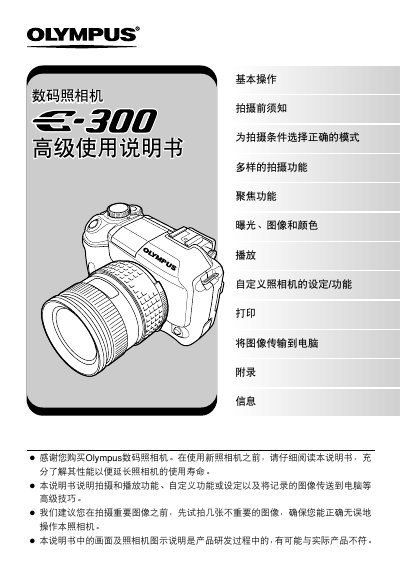
This manual provides step‑by‑step instructions for using the Olympus E‑300 digital camera, covering basic operation, menu navigation, and recommended shooting techniques. It includes detailed guidance on focusing, exposure settings, white balance, and various creative shooting modes.
Additional sections describe how to print photos directly from the camera, transfer images to a computer using Olympus Master software, and perform routine maintenance such as cleaning and battery checks. An appendix offers troubleshooting tips and a glossary of terms. This manual is written in Chinese.
The manual explains that you can format the memory card in the camera, which will erase all data on the card.
Use the supplied Olympus Master software to connect the camera to a PC, view and copy images, then disconnect.
Yes, the camera supports direct printing via PictBridge.