
This manual provides detailed information on using the camera's various functions, choosing the right mode for shooting conditions, a variety of shooting functions, focus functions, exposure, image and color, playback, customizing camera settings/functions, printing, connecting to a computer, learning more about the camera, information, interchangeable lenses, and other information.
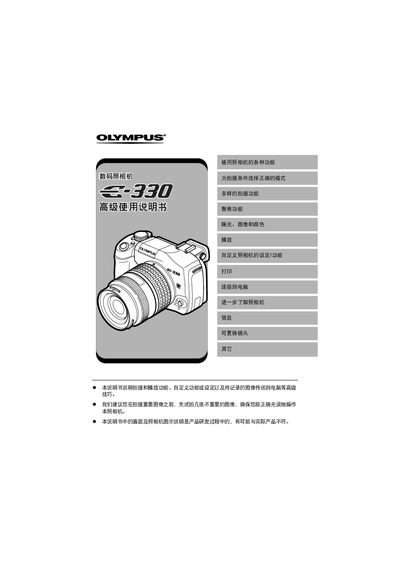
The guide provides step‑by‑step instructions for using the Olympus E-300 camera, including how to select shooting modes, adjust focus, and manage image playback. It also describes the functions of the control panel and menu system, helping users understand each button and option.
Additional sections cover advanced features such as RAW shooting, ISO and white‑balance settings, external flash usage, and connecting the Olympus Master accessory. Instructions for printing images, using USB mode, and customizing camera settings are also included. This manual is written in Japanese.
Select the MF (Manual Focus) mode as listed in the focus options.
Install the Olympus Master accessory following the instructions in the section about using the attached Olympus Master.
The camera offers several shooting modes such as P (Program), A (Aperture Priority), S (Shutter Priority), M (Manual), and scene‑specific modes like high‑angle and macro.
Select the RAW data option in the image quality settings to capture images in RAW format.