
Key facts
- Brand
- Olympus
- Model
- D-595
- Category
- Digital cameras
- Industry
- Electronics
- Documents
- 3
- Languages
- ZH
- Last added
- 2012-06-08
Start here
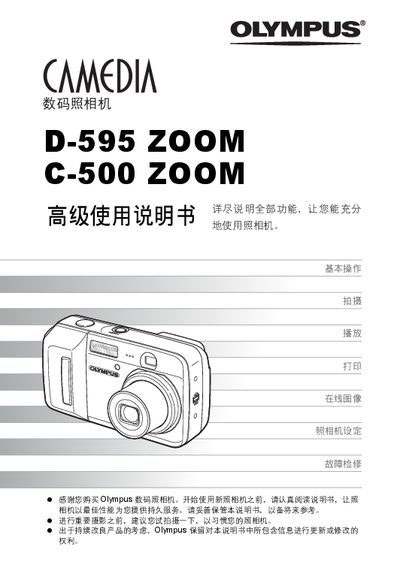
Olympus D-595 Zoom / C-500 Zoom User Manual
This manual is divided into two parts: a quick‑start guide for new users and an advanced guide covering all camera functions. It walks you through basic controls, menu navigation, focusing, exposure compensation, and special shooting modes such as panorama and animation.
Later sections describe how to play back images, adjust settings, print directly via PictBridge, connect the camera to a computer using Olympus Master, and perform maintenance with error‑code tables and care instructions. This manual is written in Chinese.
All Olympus D-595 documents by type
Day-to-day operation, settings and troubleshooting. Start here if the product is already set up.
Questions answered in these manuals
How do I print images directly from the camera?
Use the Direct Print (PictBridge) function to print images without a computer.
How can I connect the camera to a computer?
Install and run Olympus Master software, then connect the camera via USB.