
This document is an advanced user manual for Olympus digital cameras, providing information about the camera's functions and usage.
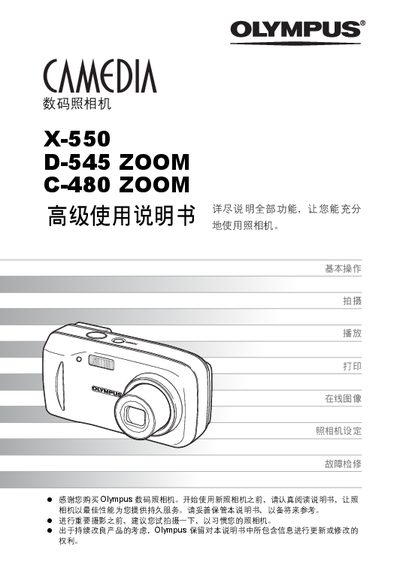
This manual guides users through the basic operation of Olympus digital cameras, covering essential functions such as shooting, playback, and image printing. It also explains how to adjust settings, use the camera's zoom and flash features, and connect the camera to a computer.
Additional sections include advanced shooting techniques, troubleshooting tips, and detailed instructions for using Olympus Master software and PictBridge direct printing. The appendix provides a parts list, error codes, and service information. This manual is written in Chinese.
Use the direct printing (PictBridge) function to print images without a computer.
Install and use Olympus Master software to connect the camera to a PC and transfer images.
Select the exposure compensation option in the menu to adjust image brightness.
Use the menu to set the date and time settings.