
This document introduces the setup method of NETGEAR's wireless router, including hardware features, location, firmware update, security setup, router installation and other content.
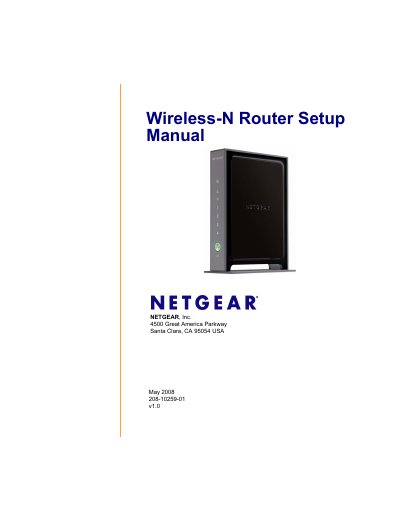
This manual guides you through everything you need to get your NETGEAR WNR2000 Wireless‑N router up and running, from checking the package contents and positioning the device to installing firmware and securing your wireless network.
It also includes the router’s default configuration settings, technical specifications, and troubleshooting tips to help you resolve common issues such as login problems, internet connectivity, and wireless performance.
| Default LAN IP address | 192.168.1.1 |
|---|---|
| Default SSID | NETGEAR |
| Default wireless channel (US) | 11 |
| Maximum wireless data rate | Up to 145 Mbps |
| Number of LAN ports | 4 (10/100 Mbps) |
The default SSID is "NETGEAR" and wireless security is disabled.
It uses RF channel 11 by default.