
This document describes the features and characteristics of a multifunction printer named PLATINUM Pro905 TM, including low ink cost, SmartSolutions technology, reliability, convenience, print quality, versatility, and efficiency.
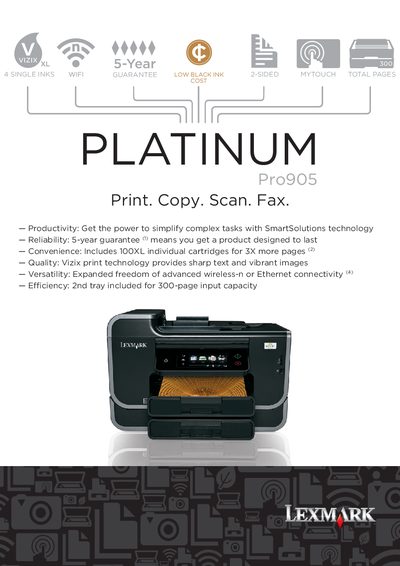
This manual covers the Lexmark Pro905 All-in-One printer, detailing its printing, scanning, copying, and faxing capabilities. It includes information on hardware specifications, connectivity options, and consumable cartridges.
The guide also outlines warranty terms, environmental initiatives, and recommended usage tips to help users achieve optimal performance and cost efficiency.
| Maximum monthly duty cycle | 10000 pages per month |
|---|---|
| Scanner optical resolution | 1200 x 4800 dpi |
| Display size | 4.3" web enabled touch screen |
| Power supply | 32 Watt Universal Power Supply |
| Input tray capacity | 300 pages |
| Dimensions (W x H x D) | 1210 x 18,31 x 15.42 in. |
The standard input tray holds up to 300 pages, with an additional 150‑sheet drawer for a total of 300 pages when both trays are used.
Lexmark includes a 5‑year guarantee with optional extended limited guarantees when registered within 30 days.