
This manual describes the Lexmark E230, E232, E330 and E332n printers. It provides information on the printer overview, print media tasks, print tasks, options installation, operation panel use, understanding the printer configuration menus, and software and network tasks.
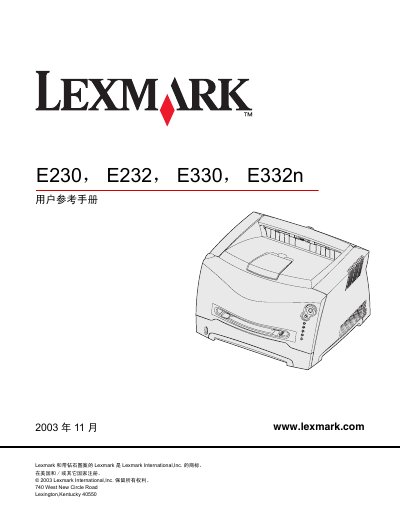
This manual introduces the Lexmark E230, E232, E330 and E332n laser printers, covering safety notices, laser warnings, FCC/CE compliance and energy‑saving features. It describes the printer’s hardware layout, media handling options such as paper, envelopes, labels, transparencies and card stock, and provides guidance on loading media and using the rear output.
The guide also details operation of the control panel, configuration menus (parallel, USB and network), installing optional accessories, managing consumables, and troubleshooting common problems like print quality issues, paper jams and toner cartridge errors. This manual is written in Chinese.
| Printing power consumption | 370 W |
|---|---|
| Ready mode power consumption | 65 W |
| Power‑save mode consumption | 6 W |
Use the printer’s configuration menu to set the power‑save timeout anywhere from 1 to 240 minutes.
Gently wipe the lens with a clean, dry, lint‑free cloth.