
This document is the user's guide for Lexmark C500n (5023-xxx), describing the features and characteristics of the product.
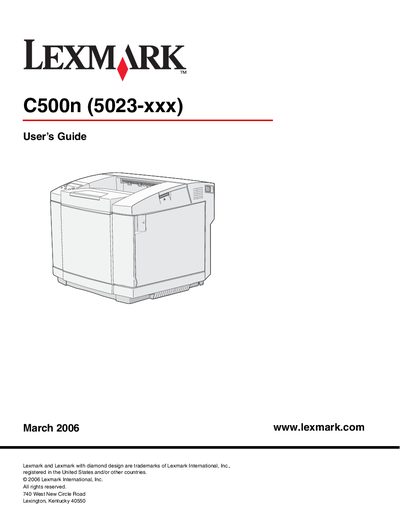
The C500n is a Lexmark laser printer designed for office environments. The guide covers the basic model, optional 530‑sheet drawer, and the operator panel with its display and navigation buttons.
Installation requirements, media handling, routine maintenance, jam clearing, and troubleshooting steps are detailed in separate chapters, along with specifications for environmental conditions, paper capacities, and supply ordering.
| Weight (with consumables) | ≈ 29 kg |
|---|---|
| Maximum weight (full configuration) | ≈ 35 kg |
| Operating temperature range | 10 °C – 32.5 °C |
| Operating humidity range | 15 % – 80 % |
| Standard tray capacity | 250 sheets |
| Optional drawer capacity | 530 sheets |
The printer can operate at temperatures from 10 °C to 32.5 °C and humidity from 15 % to 80 % (recommended 17.5 °C‑27 °C, 15 %‑80 %).
Press the Stop button; the display shows “Stopping” and the status line changes to “Stopped”.
Refer to Chapter 6 “Clearing jams” and follow the jam‑clearing procedure that guides you through locating the media path and removing the jam.