
Key facts
- Brand
- Lenovo
- Model
- A820
- Category
- Smartphones
- Industry
- Electronics
- Documents
- 4
- Languages
- ZH
- Last added
- 2022-08-30
Start here
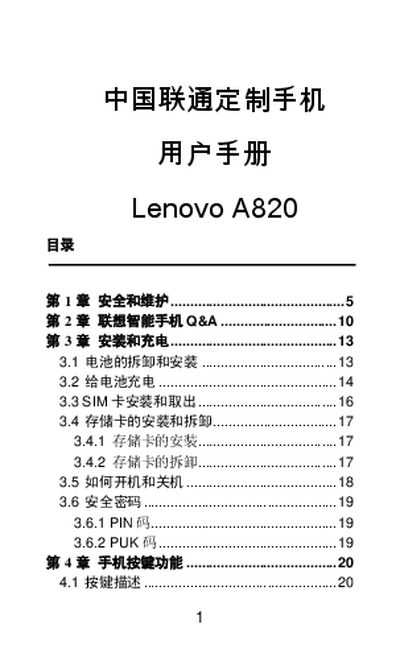
Lenovo A820 User Manual
This document is the user manual for the Lenovo A820 smartphone, customized for China Unicom. It provides instructions on installing and removing the battery, SIM card, and memory card, as well as how to turn the device on and off. The manual also details the functions of the phone buttons and guides users through major features such as making calls and using the Lenovo mobile internet services. This manual is written in Chinese.
Read onlineAll Lenovo A820 documents by type
Day-to-day operation, settings and troubleshooting. Start here if the product is already set up.
Questions answered in these manuals
What is the recommended temperature range for charging the battery?
The battery should be charged within the temperature range of 0°C to 45°C (32°F to 113°F).
From: Lenovo A820 User Manual
What is the safe temperature range for charging the battery?
The battery must be charged within a temperature range of 0°C to 45°C (32°F to 113°F).
From: Lenovo A820 User Manual
Where can I find the latest information about this product?
You can visit the Lenovo mobile official website or contact the hotline for the latest information.
What should I do if the battery performance decreases?
You should replace the battery when you find that the usage time (call time and standby time) decreases.