
This document is the user manual for China Unicom customized phone Lenovo A820. The content includes safety and maintenance, Lenovo smartphone Q&A, installation and charging, phone key functions, main function guide, text input, Lenovo mobile Internet products, China Unicom customized services, China Unicom customized phone 3G international roaming, common questions, technical specifications, etc. This manual aims to help users understand and correctly use the phone.
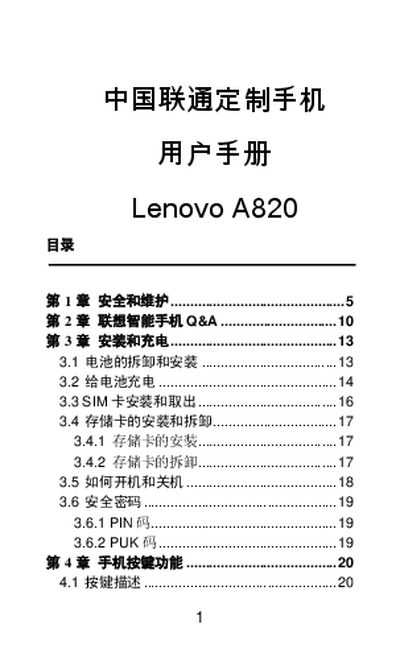
This document is the user manual for the Lenovo A820 smartphone, customized for China Unicom. It provides instructions on installing and removing the battery, SIM card, and memory card, as well as how to turn the device on and off. The manual also details the functions of the phone buttons and guides users through major features such as making calls and using the Lenovo mobile internet services. This manual is written in Chinese.
| Product Model | A820 |
|---|
The battery should be charged within the temperature range of 0°C to 45°C (32°F to 113°F).
The battery must be charged within a temperature range of 0°C to 45°C (32°F to 113°F).
The continuous charging time must not exceed 12 hours.
Exposing the battery to temperatures below -10°C will affect its performance.