
Key facts
- Brand
- Lenovo
- Model
- T100B
- Documents
- 2
- Languages
- ZH
- Last added
- 2012-03-13
Start here
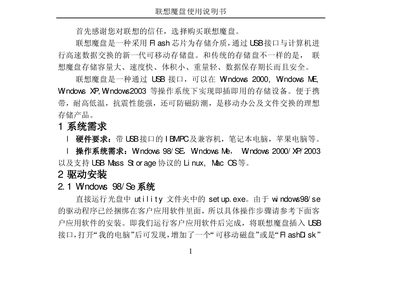
Lenovo T100B USB Flash Drive User Manual
The manual describes the Lenovo Magic Disk (T100B), a USB flash drive with large capacity, fast speed, small size, and strong resistance to temperature and shock. It works with Windows 98/ME/2000/XP/2003, Linux and other OSes via plug‑and‑play USB.
Installation steps cover driver setup for each supported OS, how to assign a drive letter in Windows 2003, and usage of the bundled application software. The document also lists technical specifications such as data transfer rates and operating environment limits. This manual is written in Chinese.
Lenovo T100B specifications
| Read speed | 950 KB/s |
|---|---|
| Write speed | 650 KB/s |
| Operating temperature | -20 °C ~ +85 °C |
| Storage temperature | -50 °C ~ +85 °C |
| Operating humidity | 10 % ~ 90 % |
| Storage humidity | 5 % ~ 95 % |
All Lenovo T100B documents by type
Day-to-day operation, settings and troubleshooting. Start here if the product is already set up.
Questions answered in these manuals
What are the system requirements for the Lenovo T100B flash drive?
It requires a PC with a USB‑B interface (desktop, laptop, or Mac) and an operating system such as Windows 98/ME/2000/XP/2003 or Linux that supports the USB mass‑storage protocol.
How do I install the driver on Windows 98/ME?
Insert the supplied CD, open the Utility folder and run set up.exe; the driver will be installed automatically.
Can the Lenovo T100B flash drive be shared on a LAN?
Yes, the device can be shared over a local area network.
Is the Lenovo T100B compatible with USB 2.0 hosts?
Yes, but the host must have the correct USB 2.0 driver installed.