
Key facts
- Brand
- Lenovo
- Model
- 2924G/F
- Category
- Other Electronics
- Industry
- Computers
- Documents
- 2
- Languages
- ZH
- Last added
- 2011-10-02
Start here
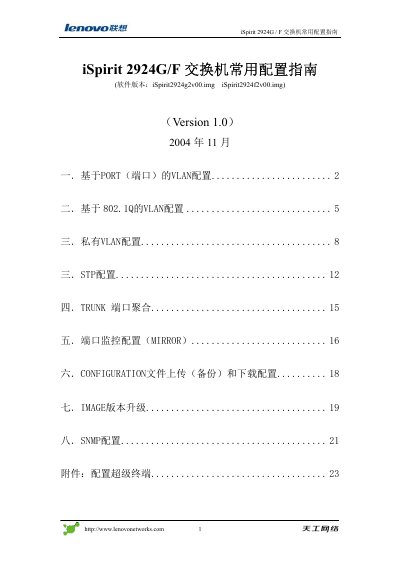
Lenovo iSpirit 2924G/F Switch Configuration Guide
User Manual 24 pages · 576 KB · ZH
This manual serves as a configuration guide for the Lenovo iSpirit 2924G/F switch. It details how to configure basic port VLANs, 802.1Q VLANs, and Private VLANs (PVLAN). The guide also covers setting up Trunk ports, Port Mirroring (MRROR), and SNMP configuration. This manual is written in Chinese.
Read onlineLenovo 2924G/F specifications
| Ethernet ports | 24 RJ‑45 10/100Base‑T auto‑negotiation ports |
|---|---|
| Expansion ports | 4 slots (Gigabit fiber, 10/100/1000Base‑T, stacking) |
| Maximum power consumption | 50 W |
| Supported VLANs | Up to 4094 VLANs |
| Maximum copper cable length | 140 m (CAT5) for 10/100/1000Base‑T |
| SFP multimode fiber reach | 275 m (62.5 µm, 850 nm) |
All Lenovo 2924G/F documents by type
User Manual 2
Day-to-day operation, settings and troubleshooting. Start here if the product is already set up.
Questions answered in these manuals
How many Ethernet ports does the iSpirit 2924G/F switch have?
It provides 24 RJ‑45 10/100Base‑T auto‑negotiation ports.
What is the maximum power consumption of the switch?
The switch’s maximum power consumption is 50 W.
What software is required to connect to the switch's management interface?
You must use a terminal program like HyperTerminal or PuTTY to connect to the serial port.
What is the default speed setting for the switch ports?
The default speed setting for the ports is autonegotiate.