
Key facts
Start here
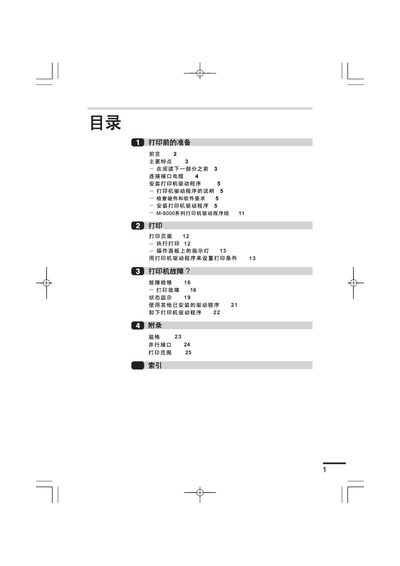
Lenovo M-9000 Series Printer User Manual
This manual provides preparation steps, hardware requirements, and driver installation procedures for the Lenovo M-9000 series laser printer. It covers connecting the parallel interface cable, configuring the printer driver on Windows 95/98/NT, and basic printing operations.
Additional sections include printer fault diagnosis, status monitoring, specifications, and a parallel interface reference. The guide is written in Chinese and includes detailed screenshots and step‑by‑step instructions.
Lenovo M-9000 specifications
| Printing speed | 15 pages per minute |
|---|---|
| First page print time | 9.6 seconds |
| CPU requirement | 486DX66MHz or higher |
| RAM requirement (Windows 95) | 8 MB (recommended 6 MB+) |
All Lenovo M-9000 documents by type
Day-to-day operation, settings and troubleshooting. Start here if the product is already set up.
Questions answered in these manuals
Which operating systems are supported for the printer driver?
The driver supports Windows 95, Windows 98 and Windows NT 4.0.
How do I install the printer driver?
Insert the driver CD, run SETUP from the CD-ROM, and follow the on‑screen prompts to install the driver and set the printer port.
What operating system is pre‑installed on the ThinkCentre M9000z?
It comes with a licensed Windows 7 Professional installation.
From: Lenovo ThinkCentre M9000z Commercial All-in-One User Manual
How much memory does the ThinkCentre M9000z have?
The system includes 4 GB of DDR3 1333 MHz memory (2 GB + 2 GB).
From: Lenovo ThinkCentre M9000z Commercial All-in-One User Manual