
The GZ-MC200 is a digital media camera with a hard drive, multiple recording media and modes, voice recording function, various playback functions, editing files on a computer, and direct printing.
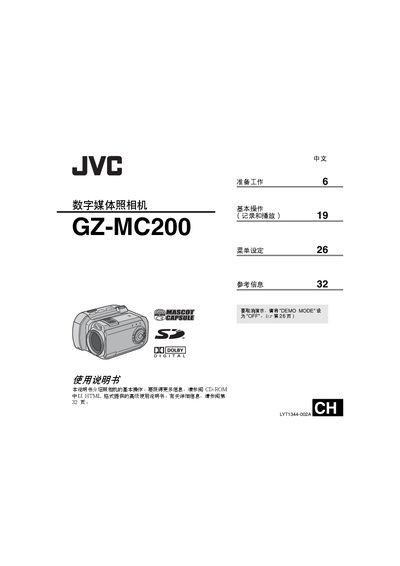
This manual provides step‑by‑step instructions for preparing the GZ‑MC200, using its recording and playback functions, and configuring menus. It also covers safety precautions, compatible recording media, and connection options such as USB and PictBridge printing.
Technical details include interface specifications, power requirements, and approximate recording times for various image qualities and storage capacities. The document also references an advanced HTML‑based guide on the supplied CD‑ROM for deeper features. This manual is written in Chinese.
| AC Power Adapter Input | 110‑240 V, 50/60 Hz |
|---|---|
| DC Output | 11 V, 1 A |
| USB Interface | Mini‑USB‑B, compatible with USB 1.1/2.0 |
| Video Output (Analog) | 1.0 V p‑p, 75 Ω |
| Audio Output (Stereo) | 300 mV rms, 1 kΩ |
| Supported Memory Cards | CompactFlash (CF) and SD cards; CF+ Type II compatible microdrive |
The camera records to CompactFlash (CF) cards, SD cards, and a microdrive that is compatible with CF+ Type II.
Connect the camera to a PictBridge‑compatible printer using a USB cable.
Use the supplied AC adapter rated for 110‑240 V, 50/60 Hz input and providing 11 V 1 A DC output.