
GZ-MC200 is a digital media camera featuring a removable hard drive, multiple recording media and modes, voice recording capability, and multiple playback features.
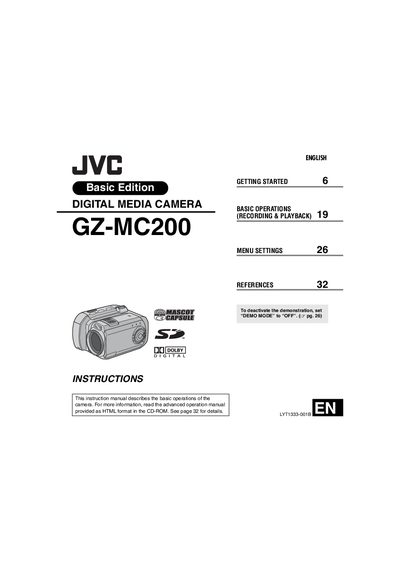
This user manual provides step‑by‑step instructions for operating the JVC GZ‑MC200 digital media camera. It covers getting started, basic recording and playback functions, menu navigation, safety information and recommended accessories.
The guide also details supported recording media (CompactFlash, SD cards and a removable 4 GB hard disk), USB 2.0 file transfer, power requirements, connector types and indicator functions, helping users achieve optimal video and still‑image quality.
| USB Interface | USB 2.0 |
|---|---|
| Audio Output Level | 300 mV (rms), 1 kΩ, stereo |
| Power Input | AC 110 V‑240 V, 50/60 Hz |
| DC Output (Adapter) | 11 V, 1 A |
Connect the camera to a PC with the USB 2.0 cable and use the bundled Cyberlink software to edit and copy files.
Use the supplied multi‑voltage AC adapter (110 V‑240 V) or the JVC BN‑VM200U battery pack.