
This document provides the user manual and firmware information for the Grandstream Networks, Inc. GXV3662 IP Camera. The manual includes instructions for operating the camera, as well as safety guidelines and warnings. Users can also find technical specifications and precautions for using the camera.
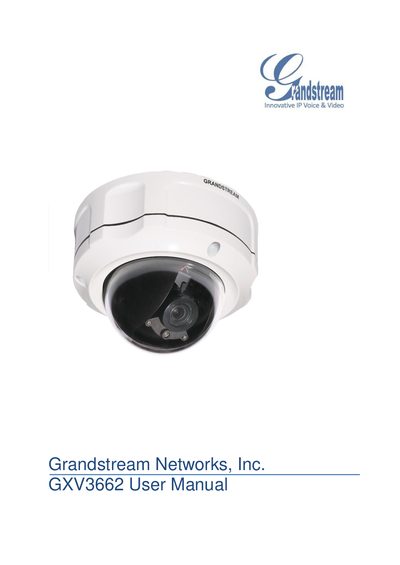
The GXV3662 is an IP camera designed for remote monitoring and surveillance over LAN or the internet. It supports H.264 video at up to 30 fps and 720p resolution, and includes SIP integration for two‑way VoIP communication.
This manual covers safety warnings, package contents, hardware overview, power and environmental requirements, installation, web‑based configuration, network settings, motion detection, alarm actions, SD‑card usage, and port‑forwarding for remote access.
| Video resolution | 720p |
|---|---|
| Maximum frame rate | 30 fps |
| Video codec | H.264 |
| Operating temperature | -30 °C to +50 °C |
| Supported SD card formats | FAT32, SD, SDHC |
| Supported SD card formats | SD, SDHC |
No, you must use the supplied 12 V DC power adapter and should not use a third‑party power adapter or power cord.
Press and hold the Reset button for 6 seconds to perform a factory reset.
The camera supports FAT32‑formatted SD cards, as well as SD and SDHC cards.