
This quick start guide provides an overview of the GXV3662 IP camera's basic functions and features.
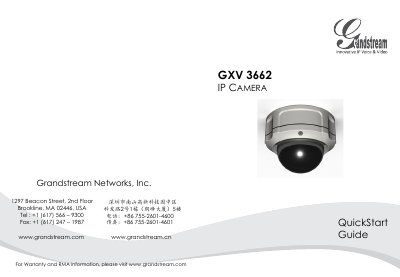
This guide provides step‑by‑step instructions for installing the GXV3662 IP camera. It includes package contents, safety precautions, lens vertical and horizontal adjustment, and mounting procedures.
The document also explains power options (PoE or 12 V adapter), network connection, default login credentials, and basic web‑interface configuration, plus lens specifications and a sample connection diagram.
| Image Sensor | 1/3‑Inch CMOS |
|---|---|
| Focal Length | 3.3 mm‑12 mm |
| Aperture Ratio | F1.6‑F3.2 |
| View Angle (Diagonal) | 125.7°‑29.9° |
| Minimum Object Distance | 50 cm |
| IR‑CUT Filter | Yes |
| Operating Temperature | -20 °C to +60 °C |
| Operating Humidity | 10‑90 % RH (non‑condensing) |
It can be powered either via PoE from a compatible switch or with the supplied 12 V DC power adapter.
The camera uses the default static IP address 192.168.1.168.