
This document is a QuickStart Guide for the GXV 3601 IP CAMERA, providing precautions, package contents, and steps for connecting and configuring the device.
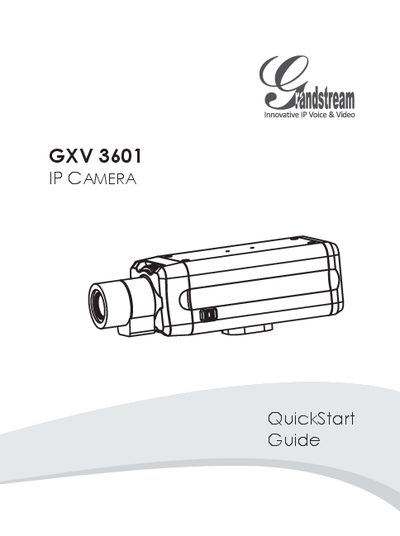
This Quick Start Guide provides essential safety precautions and lists the package contents for the GXV3601 IP camera. It explains how to power the device either with a 12 V DC adapter (Option A) or via a Power over Ethernet (PoE) switch (Option B).
The guide walks you through connecting the camera to a network, setting a static IP address on your PC, and accessing the web interface using Internet Explorer. Default login credentials are admin/admin, and the interface allows you to install the required GSViewer ActiveX control and configure video and advanced settings.
| Lens format | 1/3" |
|---|---|
| Focal length | 3.5 to 8 mm (variable) |
| Aperture | F/1.4 |
| Horizontal view angle | 81° |
| Minimum object distance | 0.20 m |
| Dimensions | 36 × 52 × 52 mm |
| Weight | 95 g |