
This user manual provides operating instructions for the Grandstream GXV3601 IP camera, and also instructs on how to avoid dangerous situations or damage to the device.
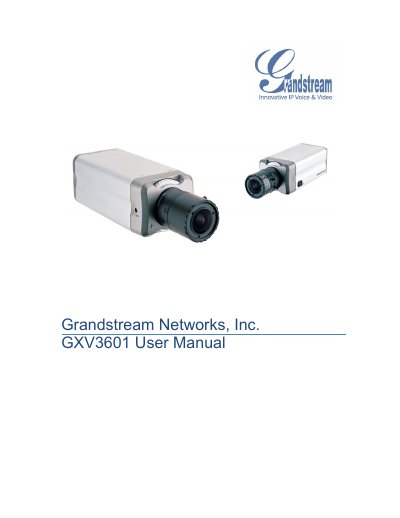
The GXV3601 is an IP camera designed for remote monitoring and surveillance over LAN or internet connections. It supports H.264 video, SIP alarm integration, and offers both wired and wireless networking options.
The manual covers safety guidelines, package contents, hardware overview, installation steps, web‑based configuration, network settings, PTZ control, alarm events, motion detection, and a detailed FAQ for troubleshooting common issues.
| Image Sensor | 1/3" Sony Super HAD CCD |
|---|---|
| Maximum Video Resolution | Full D1: 704 × 576 (PAL) / 704 × 480 (NTSC) |
| Power Input | 100‑240VAC, 50‑60Hz |
| Weight | 0.6 kg |
| Operating Temperature | 0 °C – 45 °C (32 °F – 133 °F) |
Press and hold the RESET button on the device for at least 6 seconds until you hear a beep.