
This manual guides users to set up and use the GIGABYTE Q1700 series notebooks.
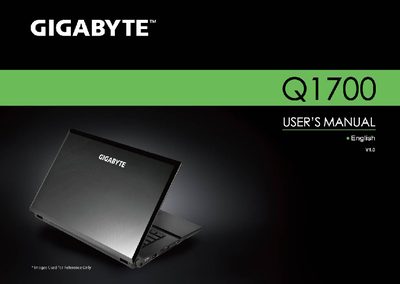
This manual guides you through setting up and using the GIGABYTE Q1700 Series notebook, covering general safety precautions, proper handling of the AC adapter and battery, and tips for travel and usage. It also includes detailed cleaning instructions for the notebook cover, keyboard, and LCD screen.
Additional sections describe warranty coverage, regulatory notices, and proper battery disposal and replacement procedures, ensuring safe and compliant operation of the device.
Use a microfiber cloth to clean the surface of the LCD, optionally with a commercial LCD cleaning kit, and never spray liquid directly onto the screen.