
Technical reference guide for the Epson TM-H6000III POS printer, covering installation, application development, and maintenance.
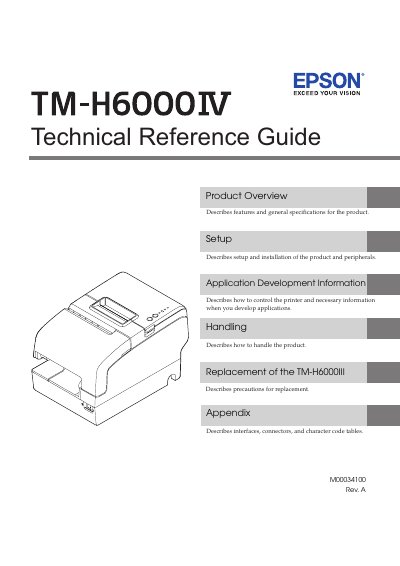
The Epson TM-H6000III Technical Reference Guide provides detailed information for developers and technicians on controlling the printer and developing applications. It covers product setup, installation of peripherals, and the use of the proprietary ESC/POS command system.
The document includes comprehensive sections on hardware handling, replacement procedures, interface specifications, and character code tables to support the design and maintenance of POS systems.
Set it on a firm, stable, horizontal surface. The product may break or cause injury if it falls.
No. The MICR reader is a factory-installed option.
Do not continue to use it. Unplug the power cord immediately and contact your dealer or a Seiko Epson service center.
Different connections may cause equipment damage or fire.