
Key facts
- Brand
- Epson
- Model
- Stylus Pro 7900CTP
- Category
- Industrial Robot
- Documents
- 2
- Languages
- ES · EN
- Last added
- 2023-11-11
Start here
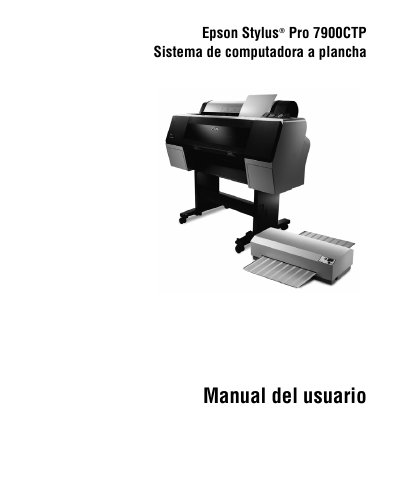
Epson Stylus Pro 7900CTP Computer to Plate System User Manual
This manual provides instructions for the Epson Stylus Pro 7900CTP Computer to Plate System, which enables small printing presses to print Epson DirectPlate Aluminum plates. The system workflow involves creating images with RIP software, printing them onto a plate, curing the plate in a Plate Curing Unit (UCP), and mounting it on a press. This manual is written in Spanish.
Read onlineEpson Stylus Pro 7900CTP specifications
| Minimum RAM | 1 GB |
|---|---|
| Minimum Hard Drive | 80 GB |
| Operating System | Windows Vista o Windows XP |
Source: Epson Stylus Pro 7900CTP Computer to Plate System User Manual
All Epson Stylus Pro 7900CTP documents by type
Day-to-day operation, settings and troubleshooting. Start here if the product is already set up.
Questions answered in these manuals
What is the minimum RAM required for the RIP software?
The minimum requirement is 1 GB of RAM.
From: Epson Stylus Pro 7900CTP Computer to Plate System User Manual
Can the UCP be operated with the cover open?
No, the UCP must not be operated with the protective cover open or missing.
From: Epson Stylus Pro 7900CTP Computer to Plate System User Manual
What does the Epson Stylus Pro 7900CTP Computer to Plate System do?
It enables small business printers to print Epson DirectPlate Aluminum plates to run on their presses.
From: Epson Stylus Pro 7900CTP Computer to Plate System User's Guide
What should I do before turning off the PCU?
Always turn off the PCU using the Heater switch on the control panel first; when the PCU temperature reads less than 100 °C, it is safe to turn it off by the main power switch.
From: Epson Stylus Pro 7900CTP Computer to Plate System User's Guide