
Key facts
- Brand
- Epson
- Model
- IC-400
- Category
- Other Electronics
- Documents
- 2
- Languages
- ES · EN
- Last added
- 2023-11-22
Start here
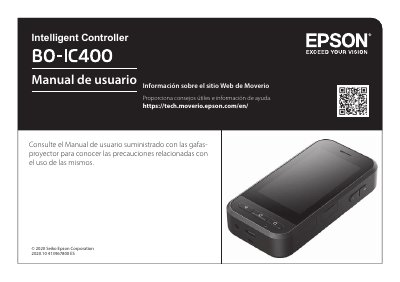
Epson IC-400 Intelligent Controller User Manual
The Epson IC-400 Intelligent Controller connects to Epson MOVERIO smart glasses projector models and works with an application to display and share information. It supports devices with USB Type-C connectors.
This Spanish user manual provides safety instructions, basic operating methods, parts names, Wi-Fi and Bluetooth setup, SD card insertion, camera operation, MOVERIO Link Pro setup, troubleshooting, and product specifications. This manual is written in Spanish.
Epson IC-400 specifications
| Connector type | USB Type-C |
|---|---|
| Memory card slot | microSD |
| Audio connector | headphone connector |
All Epson IC-400 documents by type
Day-to-day operation, settings and troubleshooting. Start here if the product is already set up.
Questions answered in these manuals
What kind of glasses does the Epson IC-400 connect to?
It connects to Epson MOVERIO smart glasses projector series.
What is the Epson IC-400?
It is a controller that connects to Epson MOVERIO series glasses projectors and uses an application to display and share information.
What headsets does the controller support?
It supports MOVERIO series models with USB Type-C connectors.
What should I do before using this product?
Make sure your system software is up to date before using the product.