
Key facts
- Brand
- Epson
- Model
- WF-2760
- Category
- All-in-one printer
- Industry
- Computers
- Documents
- 2
- Languages
- EN
- Last added
- 2026-11-21
Start here
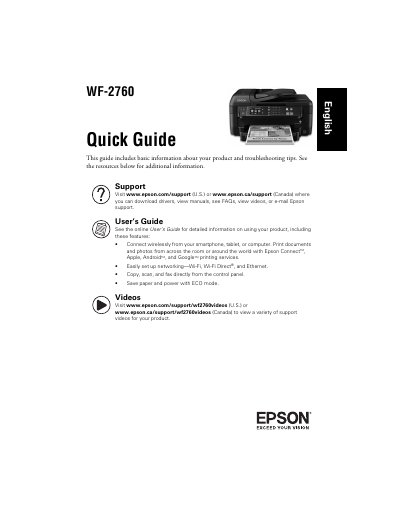
Epson WF-2760 Quick Guide
This quick guide provides basic information and troubleshooting tips for the Epson WF-2760 multifunction printer. It describes control panel icons, paper loading, network problem checks, and where to find the online User's Guide, support, and videos.
The guide also includes an FCC declaration of conformity and Epson America limited warranty terms for products purchased and operated in the United States, Canada, or Puerto Rico.
Epson WF-2760 specifications
| Product type | Multifunction printer |
|---|---|
| FCC device class | Class B digital device |
| FCC model number | C531B |
| Limited warranty | 1 year |
Source: Epson WF-2760 Quick Guide
All Epson WF-2760 documents by type
The shortest path to a working setup, usually only a few pages.
Day-to-day operation, settings and troubleshooting. Start here if the product is already set up.
Questions answered in these manuals
Where can I get drivers, manuals, and support for the Epson WF-2760?
Visit www.epson.com/support (U.S.) or www.epson.ca/support (Canada) to download drivers, view manuals, see FAQs, view videos, or e-mail Epson support.
How should paper be loaded in the Epson WF-2760?
Load high-quality paper printable side down, short edge first, with edge guides against the paper and without extending past the cassette end; then select paper size and type on the control panel.
What should I do if my printouts are faint or have gaps?
Run a nozzle check to see if any of the print head nozzles are clogged, then clean the print head if necessary.
What causes faint or gapped printouts besides a clogged nozzle?
The ink cartridges may be old or low on ink, and you may need to replace them.