
This is a user guide for EPSON PowerLite 8150i projector
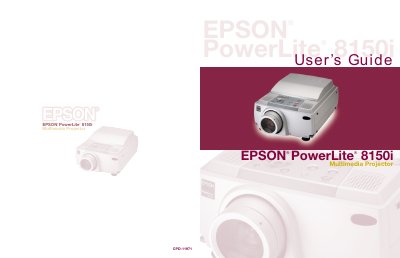
The EPSON PowerLite 8150i is a highly versatile presentation tool designed to connect to one or two computer sources and up to three video sources. It features EasyMP.net capabilities that allow users to transfer presentations directly over a network, enabling hands-free delivery without connecting a PC or laptop.
This manual covers essential topics including setting up the projector, connecting various devices such as computers, VCRs, and DVD players, using the remote control for presentation management, and adjusting image settings like focus, zoom, and shape. It also details how to use the built-in stereo speaker system and drawing tools.
| Computer Sources Supported | one or two computer sources |
|---|---|
| Video Sources Supported | up to three video sources |
| Audio Output | built-in stereo speaker system |
Yes, if connected to your network, you can use EasyMP.net features to transfer presentations directly to the projector.
It supports various Microsoft applications such as PowerPoint, Excel, and Word, as well as certain types of image files.
Yes, if giving a PowerPoint presentation, you can use the remote as a wireless mouse to click through slides.