
EPSON PowerLite 8150i User’s Guide for the EPSON PowerLite 8150i Multimedia Projector. Important safety information includes warnings about looking into the projector lens when the lamp is on, not opening any cover except the lamp and filter covers, and not attempting to service the product yourself. It also provides caution about handling the lamp when replacing it. The document emphasizes the importance of following safety precautions to prevent injury.
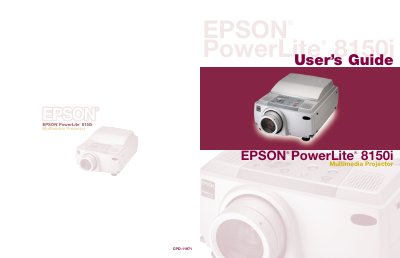
The EPSON PowerLite 8150i is a highly versatile presentation tool designed to connect to one or two computer sources and up to three video sources. It supports various applications such as Microsoft PowerPoint, Excel, and Word, allowing users to transfer presentations directly via the EasyMP.net feature over a network without needing a connected PC.
Yes, if connected to your network, you can use EasyMP.net features to transfer presentations directly to the projector and deliver them hands-free.
The projector supports Microsoft PowerPoint, Excel, and Word, as well as certain types of image files.
Never touch the new lamp with your bare hands; use a cloth or glove to avoid invisible residue that may shorten the lamp life.