
Dell S5840cdn Laser Printer User's Guide

The Dell S5840cdn Laser Printer User's Guide describes the features and characteristics of the printer.
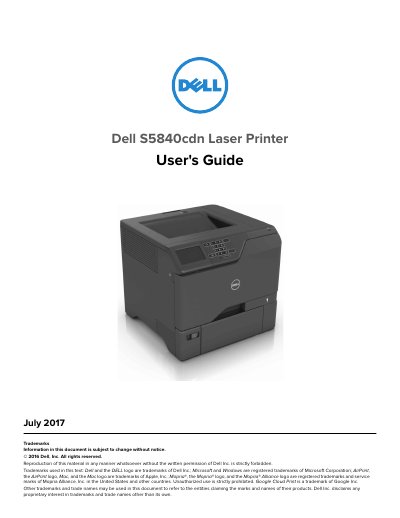

Dell S5840cdn Laser Printer User's Guide - cover page
Brand
DELL
Category
Printer
Document type
User Manual
Language
English
Pages
112
File format
PDF
File size
4.2 MB
Published
20 November, 2023
Updated
20 November, 2023
MD5 checksum
7CA18E678BA52D0983969BB37C1AD8FB

About this manual

This document serves as the User's Guide for the Dell S5840cdn Laser Printer, published in July 2017. It provides comprehensive instructions for setting up the device, including safety precautions, selecting a location, attaching cables, and configuring the control panel. The guide also details how to load paper and specialty media, use the home screen applications, and print from various sources such as computers, flash drives, and mobile devices using Mopria, Google Cloud Print, or AirPrint.

What's inside

  • Safety information
  • Learning about the printer
  • Printer configurations
  • Loading paper and specialty media
  • Printing
  • Maintaining the printer
  • Networking
  • Troubleshooting
  • Clearing jams
  • Contacting technical support

Frequently asked questions

How many trained personnel are required to lift the printer safely?

Two or more trained personnel are required to lift the printer because its weight is greater than 18 kg (40 lb).

What should you do to the printer before inspecting the power cord?

You must remove the power cord from the electrical outlet before inspecting it for signs of problems.

Download PDF (4.2 MB)

More DELL Manuals


View all DELL manuals →