
Key facts
Start here
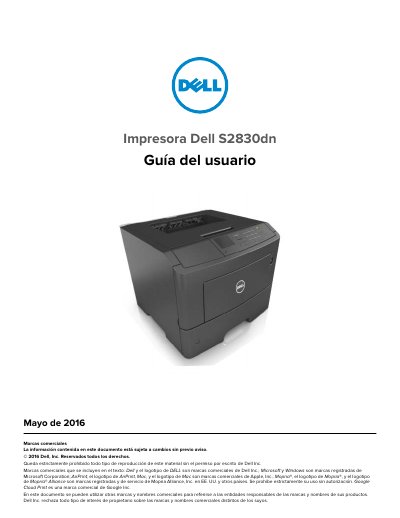
Dell S2830dn Printer User Guide
This user guide is for the Dell S2830dn printer. It covers safety information, printer information, additional setup, loading paper and special media, printing, and printer menu descriptions.
It also addresses saving money and protecting the environment, securing and maintaining the printer, managing the printer, clearing jams, troubleshooting, and an appendix. This manual is written in Spanish.
All Dell S2830dn documents by type
Day-to-day operation, settings and troubleshooting. Start here if the product is already set up.
Questions answered in these manuals
What should be done before moving the printer?
Turn off the printer, unplug the power cord, disconnect all cables, remove an optional tray if installed, use the handles, avoid placing fingers under the printer, and ensure a clear area.
Where can I find more information about the printer?
Installation documentation is supplied with the printer, and the user guide and quick reference guide are available on the software CD; more information is at www.dell.com/support/manuals.
Where can I find the latest supplemental information and technical support?
Visit www.dell.com/support/printers.
Where can I purchase supplies and accessories?
Visit www.dell.com/printers.