
Key facts
Start here
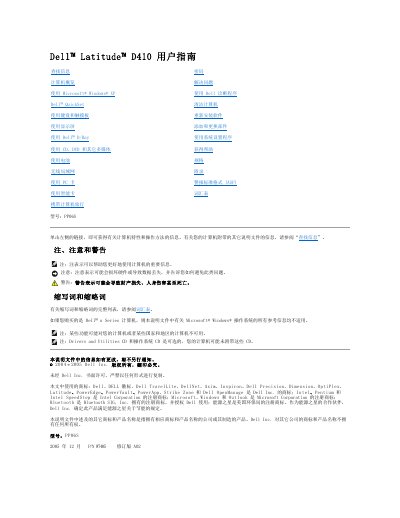
Dell Latitude D410 (PP06S) User's Guide
This user guide is for the Dell Latitude D410 computer, model PP06S. It covers the computer's hardware views and controls, including the display, keyboard, touchpad, pointing stick, speakers, ports, battery, and indicators.
The guide also covers using Microsoft Windows XP, Dell QuickSet, the display, Dell D/Bay, CDs, DVDs and other multimedia, the battery, wireless LAN, PC cards, smart cards, travel, passwords, troubleshooting, Dell diagnostics, cleaning, software reinstallation, adding and replacing parts, system setup, help, specifications, and an appendix. This manual is written in Chinese.
Dell PP06S specifications
| Model | PP06S |
|---|---|
| Smart card slot | Supports one smart card |
| PC Card slot | Supports one PC Card |
| Back USB connectors | 2 |
| Audio connectors | 2 |
All Dell PP06S documents by type
Day-to-day operation, settings and troubleshooting. Start here if the product is already set up.
Questions answered in these manuals
Where are the Service Tag and Express Service Code located?
They are located on the bottom of the computer.
What does Notebook System Software (NSS) do?
It provides critical updates for the operating system and support for Dell 3.5-inch USB floppy drives, Intel Pentium M processors, optical drives, and USB devices.
How do I mute the computer's volume?
Press the mute button.
What does the battery indicator show when the battery charge is critically low while on battery power?
It lights solid orange.
How do I turn on the computer?
Press the power button to turn on the computer or exit power-saving mode.
How do I mute the volume?
Press the mute button to turn off the volume.