
This document is the owner's manual for the Dell™ Photo Printer 720, which mainly describes how to order supplies, get started with the printer, use the printer, and perform maintenance and troubleshooting.
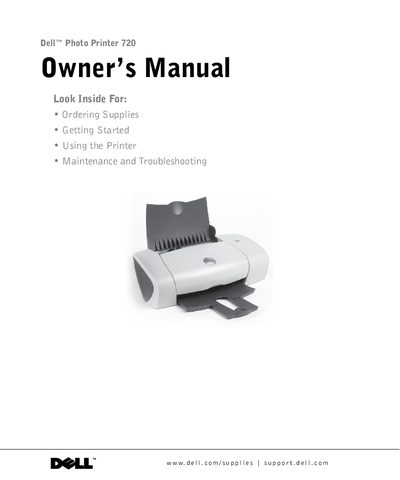
The Dell Photo Printer 720 is designed to print photos and documents. This owner's manual guides users through ordering specific Dell ink cartridges (Part numbers T0529 for Black and T0530 for Color) directly from Dell or via phone support in various countries.
The document covers the entire user lifecycle, starting with understanding printer parts and software like the Dell Printer Solution Center. It details how to load different types of media such as photo paper, envelopes, and cards, along with step-by-step instructions for printing photos and documents.
| Black ink cartridge part number | T0529 |
|---|---|
| Color ink cartridge part number | T0530 |
Dell ink cartridges are available only through Dell, either online at www.dell.com/supplies or by phone.
The part number for the black (Trial) ink cartridge is N5878.