
Key facts
Start here
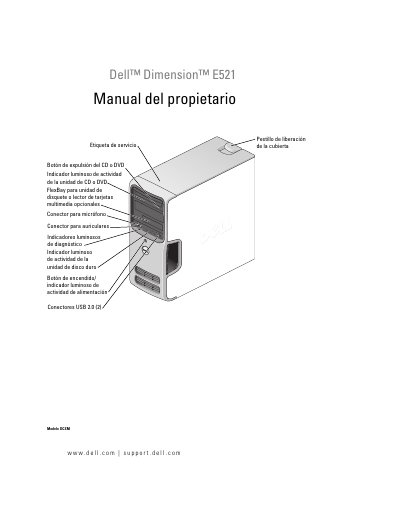
Dell Dimension E521 User's Manual
This document is the User's Manual for the Dell Dimension E521 desktop computer. It covers the location of information, installation and usage instructions, troubleshooting guides, and procedures for extracting and installing internal components. The manual includes specific sections on connecting peripherals, managing power settings, and using diagnostic tools. This manual is written in Spanish.
Read onlineDell E521 specifications
| Product Model | Dimension E521 |
|---|---|
| Copyright Years | 2006-2007 |
| Document Part Number | MW453 |
All Dell E521 documents by type
Disassembly, diagnostics and part numbers, for repair.
Day-to-day operation, settings and troubleshooting. Start here if the product is already set up.
Questions answered in these manuals
What is the maximum memory supported by the Dell Dimension E521?
The maximum memory is 4 GB.
What is the minimum memory for the Dell Dimension E521?
The minimum memory is 256 MB.
What is the Dell Dimension E521?
It is a computer that includes an optional FlexBay for a floppy drive or media card reader.
How many USB 2.0 connectors are on the back of the computer?
There are two USB 2.0 connectors located on the rear panel.
What is the model number of this Dell computer?
The model number is DCSM.
What is the maximum memory supported by the Dell Dimension E521?
The computer supports up to 4 GB of memory.