
Key facts
- Brand
- DELL
- Model
- Intel AMT v6.0
- Category
- Other Computer Accessories
- Documents
- 2
- Languages
- SV · IT
- Last added
- 2023-11-20
Start here
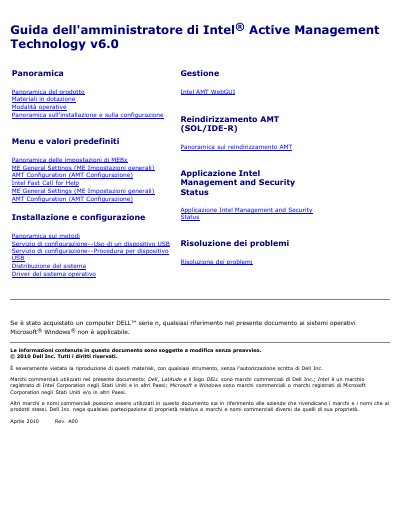
Dell Intel AMT v6.0 Administrator's Guide
This document serves as the Administrator's Guide for Intel Active Management Technology (Intel AMT) version 6.0, specifically tailored for Dell computers. It details the product overview, included materials, and operational modes, noting that while the technology is from Intel, the guide is customized for Dell systems.
The guide explains the different provisioning states of the technology, including Factory Settings, Setup, and Provisioned states. It outlines manual and automatic configuration methods, including the use of USB devices and third-party configuration services, as well as the use of the Intel Management and Security Status application. This manual is written in Italian.
All Dell Intel AMT v6.0 documents by type
Day-to-day operation, settings and troubleshooting. Start here if the product is already set up.
Questions answered in these manuals
What is the standard login password for the Intel MEBx configuration interface?
The standard password is 'admin', which can be changed after logging in.
How do you access the Intel MEBx configuration menu during startup?
Press the <F12> key immediately when the blue DELL logo appears and select MEBx.
What is the primary purpose of Intel AMT for IT administrators?
It allows companies to easily manage computers connected to a network, even if the computer is turned off or the operating system has failed.
Can Intel AMT be used to restore a system after an operating system error?
Yes, administrators can use Intel AMT to access the computer remotely to restore the system even after software or operating system errors.