
Dell Dimension E521 Owner's Manual

The Dell™ Dimension™ E521 Manual describes how to use the Dell™ Dimension™ E521 computer.
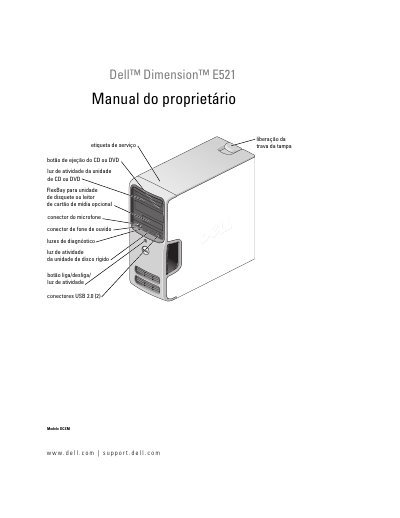

Dell Dimension E521 Owner's Manual - cover page
Brand
DELL
Category
Desktops
Document type
User Manual
Language
Portuguese
Pages
176
File format
PDF
File size
2.9 MB
Published
19 November, 2023
Updated
19 November, 2023
Model
E521
MD5 checksum
99928291DA62BBFA6E37176713950DAD

About this manual

This manual provides comprehensive instructions for the Dell Dimension E521 computer, including setup and usage, troubleshooting guides, and hardware installation procedures. It details how to configure the computer, connect peripherals, and manage power settings. This manual is written in Portuguese.

What's inside

  • Setup and use of the computer
  • Troubleshooting
  • Tools for troubleshooting
  • Removal and installation of parts
  • Appendix
  • Specifications
  • System configuration
  • Contacting Dell

Frequently asked questions

What is the Dell Dimension E521?

It is a computer that includes an optional FlexBay for a floppy drive or media card reader.

How many USB 2.0 connectors are on the back of the computer?

There are two USB 2.0 connectors located on the rear panel.

What is the purpose of the diagnostic lights?

The diagnostic lights are used to help identify problems with the computer.

Download PDF (2.9 MB)

More DELL Manuals


View all DELL manuals →