
Key facts
Start here
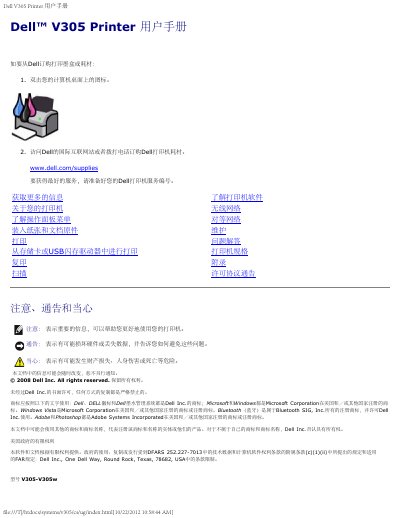
Dell V305 Printer User Manual
This Dell V305 Printer User Manual covers the Dell V305 printer. It includes notes on ordering supplies, preparing a service number, and finding more information.
The text describes printer software such as Dell Imaging Toolbox and Print Preferences, along with maintenance, printing, scanning, and troubleshooting sections. It also lists notices and support options. This manual is written in Chinese.
All Dell V305 documents by type
Day-to-day operation, settings and troubleshooting. Start here if the product is already set up.
Questions answered in these manuals
How can I get more information about the Dell V305 printer?
The manual points to a Getting More Information section and support resources. It mentions printer software, wireless network, and operation panel menu.
What should I prepare for service?
Prepare the Dell printer service number for best service. The manual says to prepare the service number before getting help.
Where can I order ink or supplies for the Dell V305?
You can order supplies by double-clicking the existing icon on the desktop or visiting the Dell website.
How do I order ink or supplies for the Dell V305 printer?
You can order supplies by double-clicking the desktop icon, visiting the Dell website, or calling Dell by phone.
What is the fastest print quality option available in the printer settings?
The Draft setting is the fastest option, though it should not be selected if a photo cartridge is installed.
How can I order Dell printer supplies?
Double-click the icon on your computer desktop, or visit Dell's international website or call to order Dell printer supplies.