
This manual introduces the basic functionality of the Dell Dimension E521 computer, including installation and use of the computer.
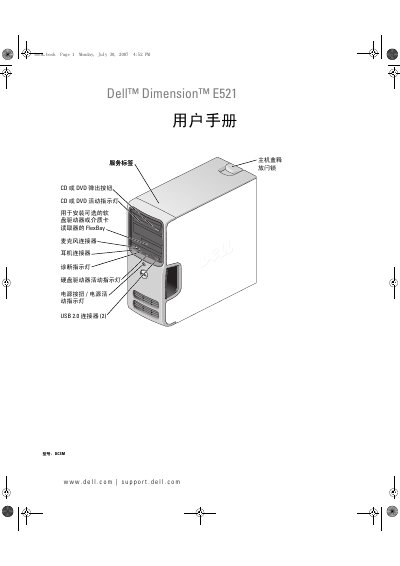
This is the Dell Dimension E521 user's guide for model DCSM, a Dell desktop computer with documentation dated July 2007. It explains how to set up and use the computer, connect printers and the Internet, and play or copy CDs and DVDs.
The manual also covers troubleshooting, diagnostic tools, and removing or installing parts such as memory, cards, drives, and the battery. An appendix provides specifications, system setup options, cleaning instructions, a glossary, and Dell contact information. This manual is written in Chinese.
| Processor type | AMD Athlon 64 X2 双核处理器 |
|---|---|
| Memory type | 533 MHz、667 MHz、800 MHz DDR2 SDRAM |
| Memory capacity | 256 MB、512 MB 或 1 GB 非 ECC |
| Maximum memory | 4 GB |
| Chipset | Nvidia GeForce 6150LE |
| RAID support | RAID 1 (mirroring) |
| Network interface | Integrated 10/100 |
| Video type | Nvidia integrated video |
The model number is DCSM.
The computer supports up to 4 GB of memory.
Both labels are located on the computer.
It supports RAID 1, also known as mirroring.