
Key facts
Start here
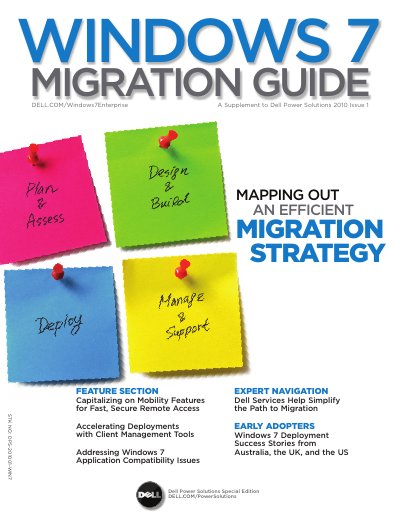
Dell Windows 7 Migration Guide
This document serves as a supplement to Dell Power Solutions, providing a strategic roadmap for organizations transitioning to the Microsoft Windows 7 operating system. It outlines four key phases for a successful migration: Plan & Assess, Design & Build, Deploy, and Manage & Support. The guide emphasizes the importance of having a suitable IT infrastructure in place before transitioning client systems.
Read onlineDell Windows 7 specifications
| Minimum Processor Requirement | 1 GHz |
|---|---|
| Minimum RAM (32-bit) | 1 GB |
| Minimum RAM (64-bit) | 2 GB |
| Minimum Hard Drive (32-bit) | 16 GB |
| Minimum Hard Drive (64-bit) | 20 GB |
| Graphics Support | DirectX 9 or later |
Source: Dell Windows 7 Migration Guide
All Dell Windows 7 documents by type
Day-to-day operation, settings and troubleshooting. Start here if the product is already set up.
Questions answered in these manuals
What should I do if I cannot connect to the Internet?
Contact your ISP to check the service status or try connecting again later.
How long does the Windows 7 reinstallation process take?
The reinstallation process may take about 1 to 2 hours to complete.
What Windows 7 edition includes Domain Join?
Windows 7 Professional includes Domain Join to facilitate fast and secure connections to domains.
What additional RAM is required for Windows XP Mode?
Using Windows XP Mode requires an additional 1 GB of RAM.