
Key facts
Start here
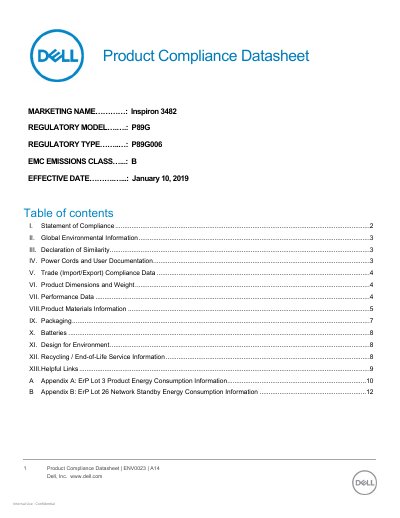
Dell Inspiron 3482 Product Compliance Datasheet
This datasheet details compliance with global regulations for the Dell Inspiron 3482, including RoHS, REACH, and EMC emissions. It covers environmental information, materials, packaging, and recycling guidelines. The product is classified as EMC Class B for residential use. Compliance documentation is available online or via email request.
The document also includes product dimensions, weight, and material specifications such as BFR/PVC-free plastics and flame retardants used in components. Packaging materials and their sustainable content are listed by region. Energy consumption data is referenced in appendices for ErP Lot 3 and Lot 26.
Dell Inspiron 3482 specifications
| EMC Emissions Class | B |
|---|---|
| Regulatory Model | P89G |
| Regulatory Type | P89G006 |
| Product Weight | 1.79 kg |
| Depth | 241.9 mm |
| Width | 339 mm |
| Height | 19.9 mm |
| Flame Retardant in Motherboard | Brominated epoxy resin 21-42% TBBPA<15% |
All Dell Inspiron 3482 documents by type
Disassembly, diagnostics and part numbers, for repair.
Questions answered in these manuals
What materials are used in the product’s case?
Case materials include PC+ABS-TD15FR(40) for cover/log low, PC+ABS-FR(40) for bezel, and PC+ABS-TD15FR(40)(REC) for log up.
Is the product BFR/PVC-free?
Yes, the product is BFR/PVC-free, except accessories and options which may not be.
What is the model of the computer described in the manual?
The model is Inspiron 3482.
What is the first step before working on the internal components?
Save and close all open files.
What safety precautions are required before opening the laptop?
Users must save all files, shut down the computer, disconnect power and peripherals, and remove media cards before proceeding.
What should be done after manipulating the internal components?
Ensure all screws are tight, reconnect all devices and cables, and power on the equipment.