
The Dell OptiPlex 780-USFF All-in-One Stand is a unique mounting solution with integrated cable management designed to adapt to your unique environment.
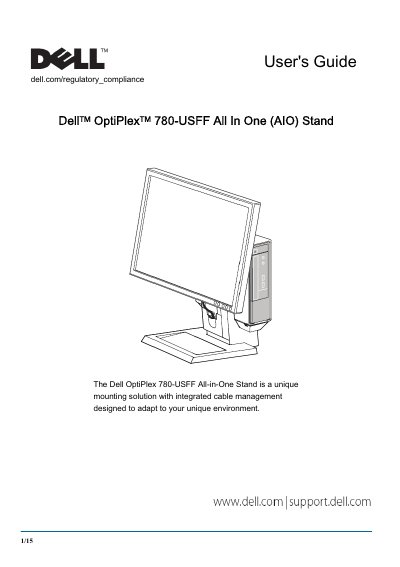
The Dell OptiPlex 780-USFF All-in-One Stand is a mounting solution designed to adapt to unique environments with integrated cable management. It supports specific Dell monitors and systems, featuring a swiveling base, cable trays, and security slots for Kensington locks. The stand includes provided VGA and USB cables to facilitate connection.
| Height | 15 inches (380 mm) |
|---|---|
| Depth | 9.6 inches (245 mm) |
| Width | 10.8 inches (275 mm) |
| Weight | 8.0 lbs (3.7 kg) |
| Operating Temperature | 32°F to 95°F (0°C to 35°C) |
| Input Power (100-120V) | 50/60 HZ, 3.5 A |
| Input Power (220-240V) | 50/60 HZ, 1.75 A |
The stand is compatible with Dell monitors P190S, 1909W, and P2210.
It includes a Kensington Security Slot that accepts standard Slim MicroSaver Padlock Rings and padlocks with a shaft diameter of 3-8 mm.
The stand comes with provided VGA and USB cables.