
Key facts
Start here
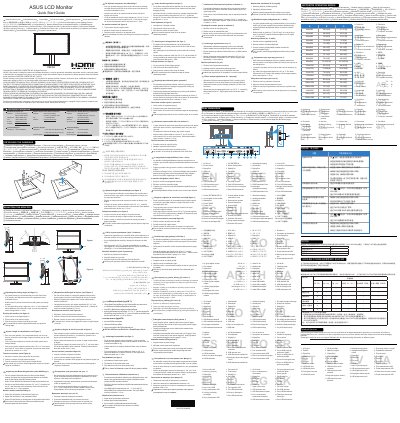
ASUS PB238Q LCD Monitor Quick Start Guide
This document is the ASUS PB238Q LCD Monitor Quick Start Guide, containing usage instructions in multiple languages including French, German, English, Spanish, Russian, and Chinese. It covers product installation, setup, and basic operation for users who are using the monitor for the first time.
The guide includes instructions for detaching the arm/base, adjusting the viewing angle, rotating the monitor, and pivoting the display. It also provides ASUS contact information and warranty terms. This manual is written in Chinese.
ASUS PB238Q specifications
| Tilt angle range | +20˚ to -5˚ |
|---|---|
| Swivel angle range | 60˚ left or right |
| Height adjustment range | +/- 10cm |
All ASUS PB238Q documents by type
The shortest path to a working setup, usually only a few pages.
Day-to-day operation, settings and troubleshooting. Start here if the product is already set up.
Questions answered in these manuals
How do I adjust the monitor viewing angle?
Hold the base to prevent the monitor from falling, then adjust the tilt angle between +20˚ and -5˚ and the swivel angle up to 60˚ left or right.
How do I rotate the monitor?
Raise the monitor to the highest position, tilt it to the maximum angle, then rotate it clockwise to the desired angle.
How do I adjust the image position automatically?
Hold the button for 2 to 4 seconds to automatically adjust the image position, timing, and phase (VGA mode only).
What is the QuickFit function?
QuickFit is a feature that includes 7 pages of common grid patterns, paper sizes, and photo sizes for alignment.