
The ASUS PB238Q LCD Monitor Quick Start Guide provides multilingual setup and basic operation instructions for first-time users.
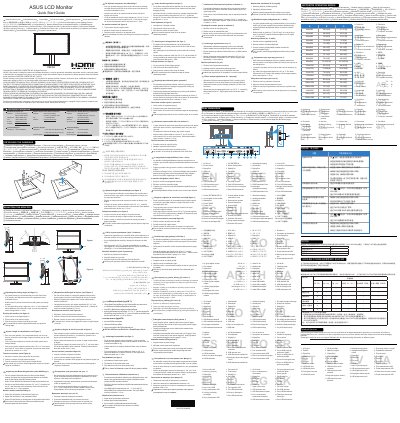
This document is the ASUS PB238Q LCD Monitor Quick Start Guide, containing usage instructions in multiple languages including French, German, English, Spanish, Russian, and Chinese. It covers product installation, setup, and basic operation for users who are using the monitor for the first time.
The guide includes instructions for detaching the arm/base, adjusting the viewing angle, rotating the monitor, and pivoting the display. It also provides ASUS contact information and warranty terms. This manual is written in Chinese.
| Tilt angle range | +20˚ to -5˚ |
|---|---|
| Swivel angle range | 60˚ left or right |
| Height adjustment range | +/- 10cm |
Hold the base to prevent the monitor from falling, then adjust the tilt angle between +20˚ and -5˚ and the swivel angle up to 60˚ left or right.
Raise the monitor to the highest position, tilt it to the maximum angle, then rotate it clockwise to the desired angle.
The monitor height can be adjusted within a range of +/- 10cm.