
This is an operating manual for a color CCTV camera
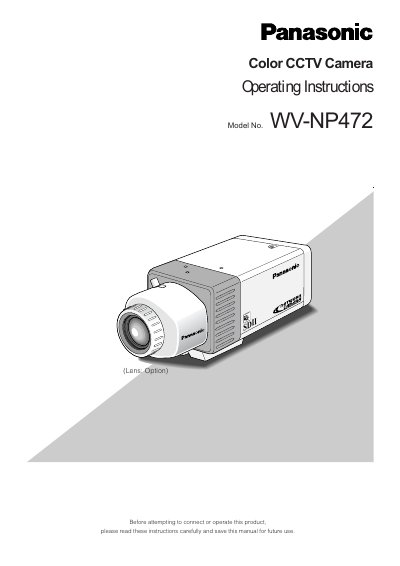
This manual provides operating instructions for the Panasonic WV-NP472 Color CCTV Camera. It details the features of the camera, including its 1/3" CCD sensor, SD II (super dynamic) system, and network access capabilities via 10/100BASE-T. The document also outlines the necessary computer requirements for viewing images and configuring parameters.
| CCD Sensor | 1/3" CCD having 380 000 pixels |
|---|---|
| Luminance | 0.8 lx (F=1.4) or 0.4 lx (F=0.75) |
| Dynamic Range | 46 dB |
| Power Input | 12V DC |
| Operating Temperature | -10 ?C to +50 ?C |
| Network Interface | 10/100BASE-T |
Hold down the Reset Button A along with the Up and Down buttons for 6 seconds in the power-on state.
Yes, the camera supports switchable video mode between color and monochrome in response to light inputs.