
Panasonic WV-NP1000/WV-NP1004 Network Camera Operating Instructions

This document is the operating instructions for the Panasonic network cameras WV-NP1000 and WV-NP1004.
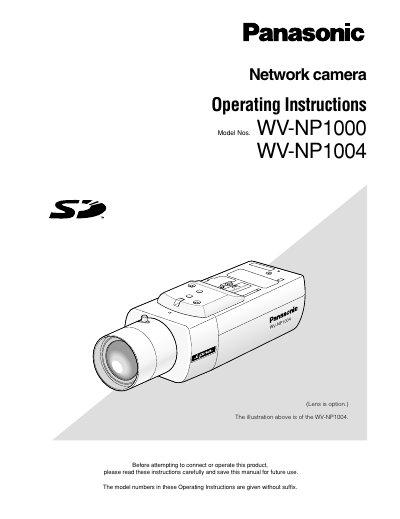

Panasonic WV-NP1000/WV-NP1004 Network Camera Operating Instructions - cover page
Brand
Panasonic
Category
Digital cameras
Document type
User Manual
Language
English
Pages
70
File format
PDF
File size
4.2 MB
Published
08 August, 2012
Updated
01 October, 2023
MD5 checksum
A82D34F75DA08DCCBAD5718993817460

About this manual

This document provides operating instructions for the Panasonic WV-NP1000 and WV-NP1004 network cameras. It details how to monitor live images and still pictures from a single or multiple cameras using a PC web browser. The guide explains how to access the camera's setup menu to configure image quality, audio, network settings, and alarm protocols.

What's inside

  • About these operating instructions
  • Monitoring Images on a PC
  • About the Network Security of the Camera
  • Display the Setup Menu
  • Configure the basic settings
  • Configure the settings relating to images and audio
  • Configure the alarm settings
  • Configure the network settings
  • Maintenance of the camera
  • About the Displayed System Log

Frequently asked questions

How do I take a still picture from the live view?

Click the '[a]' One shot button to take a picture, which will be displayed in a newly opened window.

What software is required to read the PDF operating instructions?

Adobe Reader is required to read these operating instructions.

Download PDF (4.2 MB)

More Panasonic Manuals


View all Panasonic manuals →